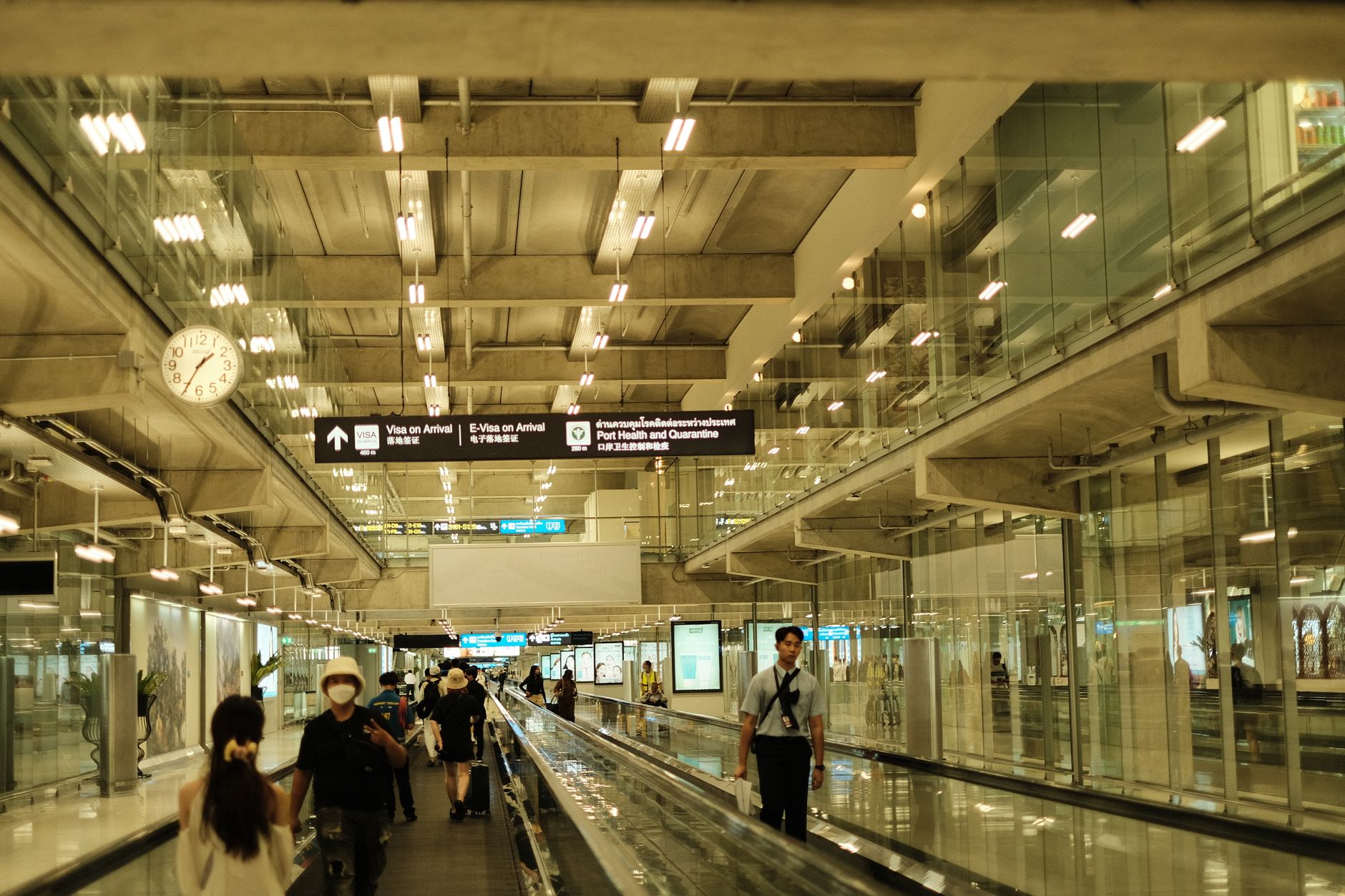
Buy an eSIM online before departure to bypass long lines at Incheon Airport and secure immediate data access upon landing. Choose a physical prepaid SIM card at an airport counter only if your phone lacks eSIM compatibility or you require outgoing voice call capabilities.
Physical SIM vs eSIM: Core Differences
South Korea’s three major telecom networks—SK Telecom (SKT), KT, and LG U+—dominate both the physical SIM and eSIM markets. Tourists receive identical 4G LTE and 5G network speeds regardless of the format chosen. The primary differences lie in pricing, convenience, and voice call features.
| Feature | Physical Prepaid SIM | Tourist eSIM |
|---|---|---|
| 5-Day Unlimited Data | ~27,500 KRW ($20 USD) | ~16,000 KRW ($12 USD) |
| 10-Day Unlimited Data | ~38,500 KRW ($28 USD) | ~24,000 KRW ($18 USD) |
| 30-Day Unlimited Data | ~71,500 KRW ($52 USD) | ~45,000 KRW ($33 USD) |
| Airport Counter Visit | Required | Not required |
| Local 010 Phone Number | Yes (Incoming & Outgoing) | Yes (Incoming only) or Data-only |
| Passport Verification | Physical scan at counter | Digital upload (if number included) |
Unlimited data plans in South Korea typically provide high-speed 4G or 5G data up to a daily limit, often 3GB to 5GB. Once you exceed this daily threshold, the network throttles your speed to 1 Mbps or 5 Mbps for the remainder of the day. This throttled speed remains sufficient for navigation and messaging but is too slow for high-definition video streaming. The high-speed allowance resets at midnight.
Select your provider based on these network distinctions:
- SK Telecom (SKT): Operates the largest network in South Korea, offering the most extensive coverage in rural areas, national parks, and mountainous regions.
- KT (Korea Telecom): Provides highly competitive mid-length packages and exceptionally reliable underground subway connectivity.
- LG U+: Features aggressive pricing for data-heavy users and allows plan purchases based on exact hourly increments (e.g., 120 hours instead of 5 calendar days).
Incheon Airport Physical SIM Pickup Rules
Travelers opting for a physical SIM card must collect it from the official carrier roaming desks located in the arrival halls of Incheon International Airport (ICN). Both Terminal 1 and Terminal 2 feature dedicated counters for SKT, KT, and LG U+ located immediately after exiting customs.
Operating hours for these counters generally run from 6:00 AM to 10:00 PM daily. If your flight lands outside this window, you cannot purchase or pick up a physical SIM card until the desks reopen. Peak arrival times, particularly between 3:00 PM and 6:00 PM, frequently result in wait times exceeding 30 minutes at the telecom counters.
To purchase a physical SIM card at the airport, present an unlocked smartphone, a physical passport, and a credit card or Korean Won for payment.
South Korean telecom law strictly mandates real-name verification for any cellular service providing a local +82 phone number, requiring a physical passport scan for all in-person SIM card purchases.
Physical SIM cards provide a fully functioning Korean "010" phone number. Incoming calls and SMS are free. Outgoing calls require an additional prepaid voice top-up, usually starting at 11,000 KRW. Request this voice top-up directly at the counter during your initial purchase.
Step-by-Step: Activating a Tourist eSIM
Purchasing an eSIM eliminates the need to visit an airport counter. Secure your data plan online and activate it digitally. Follow this procedure to ensure connectivity the moment your plane lands in Seoul.
Step 1: Verify Device Compatibility and Purchase Online Confirm your smartphone is carrier-unlocked and eSIM compatible. Most iPhone models from the iPhone 11 onward, as well as recent Samsung Galaxy S-series and Google Pixel devices, support eSIM technology. Smartphones purchased in mainland China, Hong Kong, or Macao often lack eSIM hardware. Purchase your desired plan from a provider like Nomad, Airalo, or directly through the SKT, KT, or LG U+ English websites 24 to 48 hours before your departure. If you select an eSIM that includes a Korean phone number, upload a photo of your passport page for digital identity verification (eKYC) during the checkout process.
Step 2: Install the eSIM Profile Before Your Flight Upon purchase, the provider will email a QR code and manual activation details. While still connected to your home Wi-Fi or departure airport internet, navigate to your phone’s network settings. On iOS, go to Settings > Cellular > Add eSIM. On Android, navigate to Settings > Connections > SIM Manager > Add eSIM. Scan the QR code to download the profile to your device. Label the new plan "Korea" to distinguish it from your home network. Keep the new eSIM toggled off while you are still in your home country.
Step 3: Switch Networks Upon Landing in Korea When your flight touches down at Incheon Airport, open your cellular settings. Turn off your primary home SIM to avoid unexpected international roaming charges. Turn on your new Korean eSIM and ensure it is set as the primary line for mobile data. Enable "Data Roaming" specifically for the Korea eSIM profile for it to function. Restart your phone once, and wait two to three minutes for the device to connect to the local network. If the connection fails, verify that the Access Point Name (APN) settings match the instructions provided in your eSIM confirmation email.
Navigating Korean Phone Numbers and Retail Alternatives
A domestic "010" mobile number is heavily integrated into daily life in South Korea, primarily for identity verification and digital queuing. Many popular restaurants and cafes use automated tablet kiosks, such as CatchTable, to manage waitlists. These systems require customers to input a Korean phone number to receive a KakaoTalk message or SMS when their table is ready. Without a local number, you must physically wait outside the restaurant or ask the staff to manually bypass the system, which they frequently refuse during busy hours.
Data-only eSIMs purchased from international aggregators do not include a Korean phone number. However, purchasing a tourist eSIM directly from SKT or LG U+ usually includes a local 010 number configured for incoming calls and texts only. This incoming-only number is perfectly sufficient for receiving restaurant waitlist notifications, using the KakaoT taxi application, and receiving delivery updates.
Tourist SIM cards—whether physical or eSIM—cannot be used for full digital identity verification on Korean websites. Services requiring a resident registration number, such as online banking, long-term housing contracts, or creating verified accounts on Korean e-commerce platforms, are strictly restricted. Access these services only with a long-term postpaid plan tied to an Alien Registration Card (ARC).
If you miss the airport counter operating hours or experience technical issues with your eSIM, South Korean convenience stores, including GS25, CU, and 7-Eleven, stock prepaid tourist SIM cards. These convenience store SIMs utilize the same major networks but require a self-activation process. Connect to the store’s Wi-Fi, scan the QR code on the SIM packaging, and upload a photo of your passport to a web portal. Approval takes between 10 and 30 minutes during standard business hours. Late-night activation attempts will not process until the telecom verification staff begins their shift the following morning at 9:00 AM.